MeetAlias
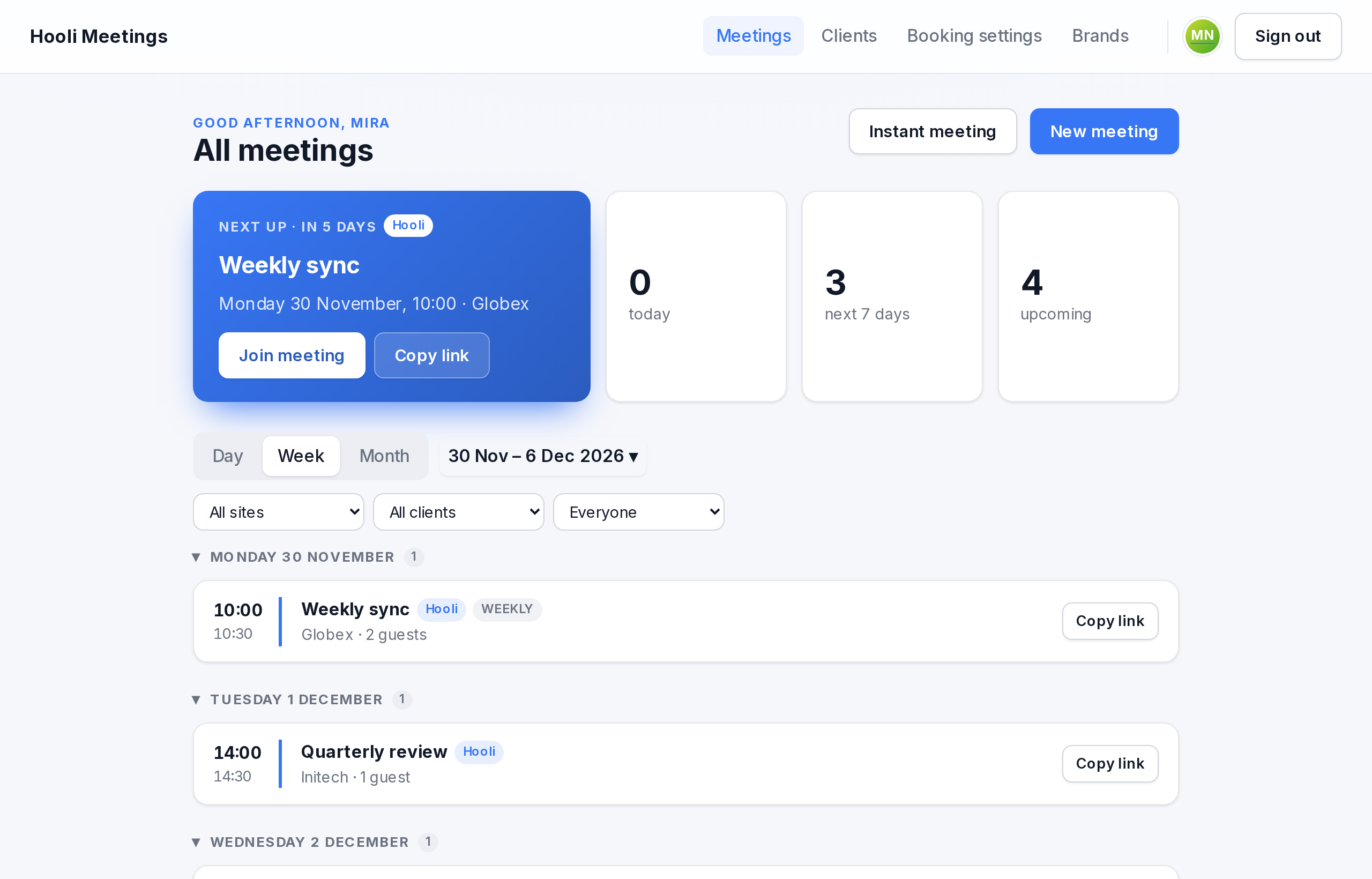
Self-hosted Google Meet and Microsoft Teams scheduling for small teams. Create meetings with branded links and branded invites, keep a record of every client meeting, and let clients book time with you on your own booking pages.
-
Meetings in one step
One form creates the calendar event with its Meet or Teams link, then sends a branded invite from your own Gmail or Outlook.
-
Links you'd want to share
Every meeting gets a readable link like
meet.example.com/m/acme-weeklyinstead of a long Meet or Teams address. A weekly series keeps one link. -
Client records
Companies, their contacts and every past and upcoming meeting with them. Online bookings are matched to the right client automatically.
-
Booking pages
Calendly-style pages with your photo, meeting types and weekly hours. Busy times from your calendar are always left out.
-
Several sites, one install
Serve several brands from one installation, each with its own domain, name, colour, logo, clients and booking pages.
-
Yours to host
Docker Compose with Postgres and Caddy (automatic HTTPS). Hardened containers, no third-party services besides Google or Microsoft.
Who these docs are for
| You are… | Start here |
|---|---|
| A team member using MeetAlias every day | User guide |
| Someone booking a meeting through a booking page | Booking a meeting |
| An admin installing and running MeetAlias | Self-hosting |
| A developer changing the code | Development |
How it fits together
flowchart LR
  staff([Team member]) -- signs in with Google or Microsoft --> app[MeetAlias]
  client([Client]) -- books on a booking page --> app
  app -- creates events with Meet or Teams links --> cal[(Google Calendar or Outlook)]
  app -- sends branded invites --> gmail[(Gmail or Outlook)]
  app -- stores meetings, clients, settings --> db[(Postgres)]
  invitee([Attendees]) -- open meet.example.com/m/... --> app -- redirect --> meet[Google Meet or Teams]
MeetAlias works with Google Workspace or Microsoft 365, one per install: team members sign in with their company Google or Microsoft accounts, meetings live in their own calendars, and invites go out from their own mailboxes.
License
MeetAlias is free software under the GNU Affero General Public License v3.0 or later. If you run a modified version for others over a network, you must offer them its source code.